
Search Engine Optimization (SEO) Basics
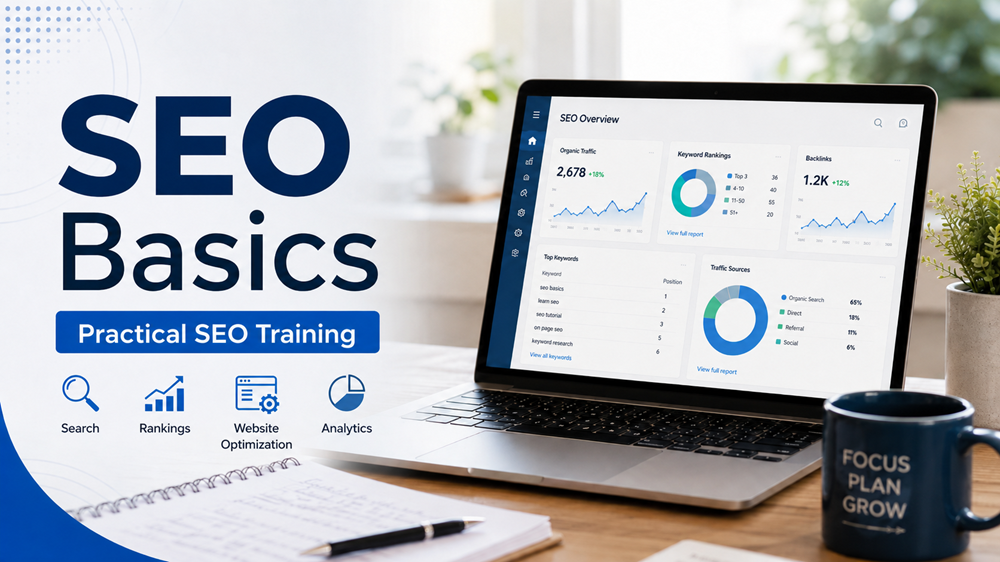
This course teaches the core principles of Search Engine Optimization and shows you how to improve web pages for better visibility, readability, and user experience.
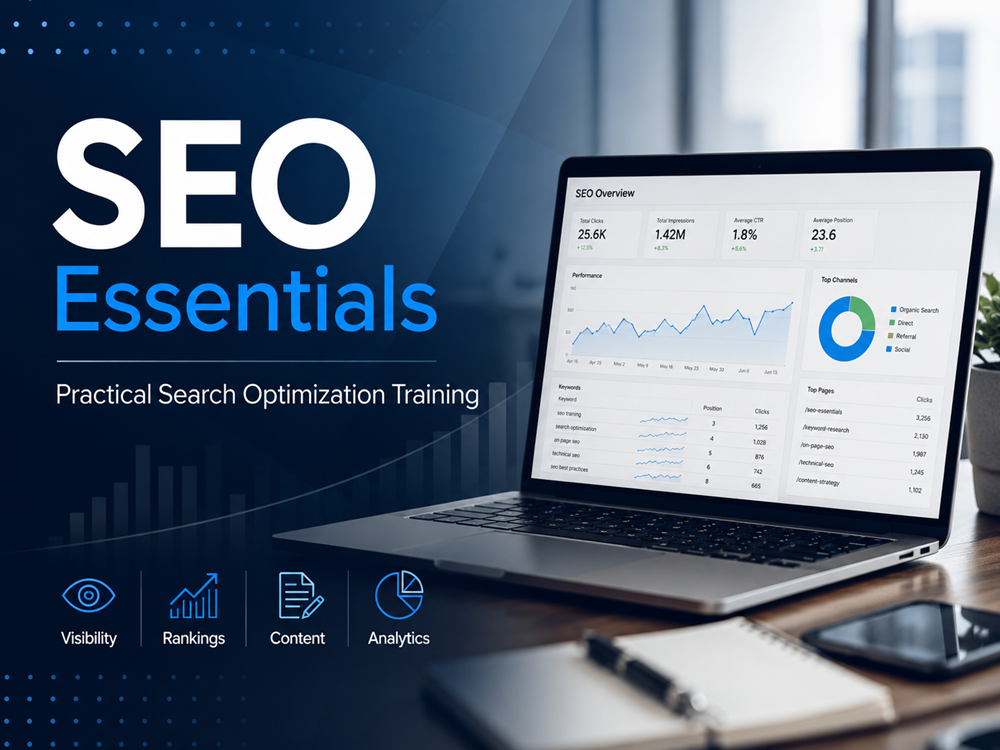
By the end of the course, you will be able to review, optimize, and index a simple web page using practical SEO techniques.
Course Overview
Search Engine Optimization, also known as SEO, is the process of improving a website so it can be found more easily by search engines like Google, Bing, and Yahoo.
In this introductory course, you will learn the basic concepts of SEO and how they apply to websites, blog posts, service pages, and online businesses. You will learn how search engines understand web pages, why keywords matter, how headings and page titles help organize content, and how small improvements can make a website easier to find.
You will also learn advanced SEO techniques for your business and marketing, such as, how to rank in Google’s Search Snippets, Local Map Pack, and more.
Course Objectives
By the end of this course, you will be able to:
- Understand what SEO is and why it matters
- Explain how search engines find and rank web pages
- Choose basic keywords for a web page
- Write better page titles and meta descriptions
- Use headings correctly for SEO and readability
- Optimize website content for users and search engines
- Understand the difference between on-page SEO, technical SEO, and off-page SEO
- Apply beginner SEO best practices to a simple web page
- Learn about more advanced SEO techniques
Who This Course Is For
This course is for anyone who wants to learn the foundation of SEO. It is especially helpful for students, small business owners, website owners, bloggers, freelancers, and new web developers who want to improve website visibility.
No previous SEO experience is required.
Course Requirements
To complete this course, you should have:
- A basic understanding of how websites work
- Access to a website, blog, or sample web page
- A willingness to write and improve website content
- A computer or laptop with internet access
You do not need advanced coding skills to begin learning SEO.
What You Will Learn
In this course, you will learn how SEO helps search engines understand your website. You will also learn how to structure a page using titles, headings, paragraphs, links, and image descriptions.
You will practice identifying keywords, improving content, and organizing a page so it is easier for visitors and search engines to understand.
Course Outcome
By the end of this course, you will have a clear understanding of basic SEO principles and how to apply them to a web page. You will be able to review a simple page and make improvements that support better search visibility, better readability, and a better user experience. Below are the ccourse lessons.
- What Is SEO?
- How Search Engines Work
- Understanding Keywords
- Page Titles and Meta Descriptions
- Headings and Content Structure
- Image SEO Basics
- Video SEO Optimization
- Internal Links and Website Navigation
- On-Page SEO Checklist
- Common SEO Mistakes to Avoid
- Quiz: Optimize a Simple Web Page
Additionally there are 4 Advanced Lessons in SEO
- Advanced Keyword Research and Search Intent
Learn how to identify high-value keywords, analyze user intent, and choose keyword opportunities that support stronger rankings and conversions. - Technical SEO and Website Optimization
Explore how to improve crawlability, indexing, site speed, mobile performance, URL structure, and other technical factors that affect SEO performance. - Content Optimization and On-Page SEO Strategy
Understand how to improve page titles, meta descriptions, headings, internal links, content structure, and topical relevance for better search visibility. - SEO Analytics, Reporting, and Performance Tracking
Learn how to measure SEO results using key metrics, track rankings and traffic, analyze performance data, and create reports that guide future SEO decisions.
Let’s Go!
Course Lessons
- Lesson 1: What Is SEO?
- Lesson 2: How Search Engines Work
- Lesson 3: Understanding Keywords
- Lesson 4: Page Titles and Meta Descriptions
- Lesson 5: Headings and Content Structure
- Lesson 6: Image SEO Basics
- Lesson 7: Video SEO Optimization
- Lesson 8: Internal Links and Website Navigation
- Lesson 9: On-Page SEO Checklist
- Lesson 10: Common SEO Mistakes to Avoid
- Lesson 11: Optimize a Simple Web Page
- Lesson 12: Advanced Learning In SEO
- Lesson 13: Local Map Pack/Google Snippets
- Lesson 14: Schema for Websites, Blogs, and Articles
- Lesson 15: Google SEO Analytics and Performance Tracking